


How to Contact Amazon Support
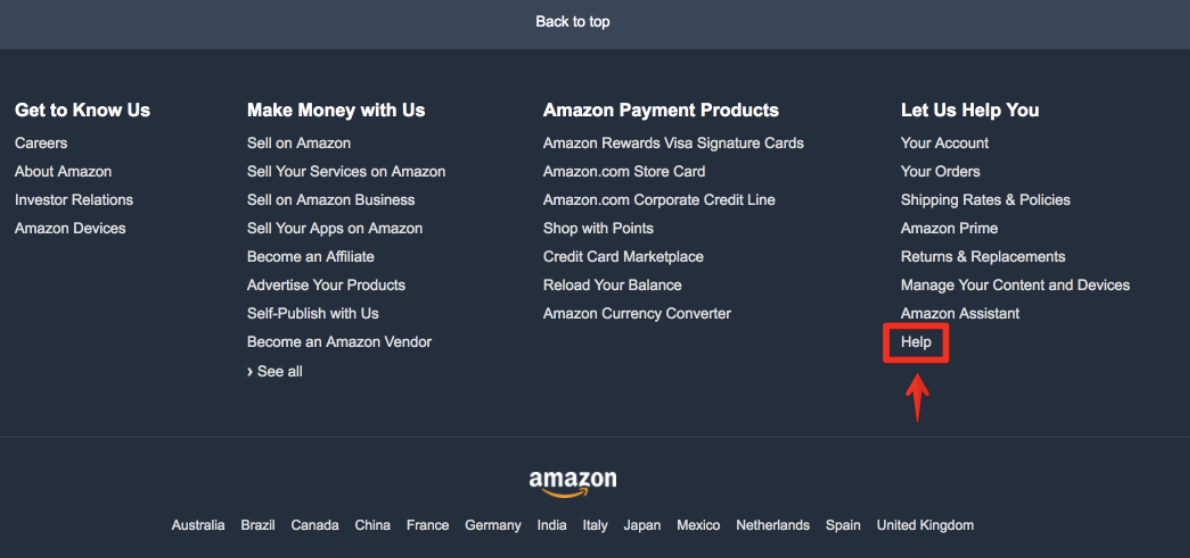
You can contact Amazon support from your account: at the bottom of the page open Help, select Something else → I need more help and click Chat with us (chat) or Request a phone call (call). A question about a third-party seller's product is asked to the seller directly – using the Contact seller or Ask a question button on their page.
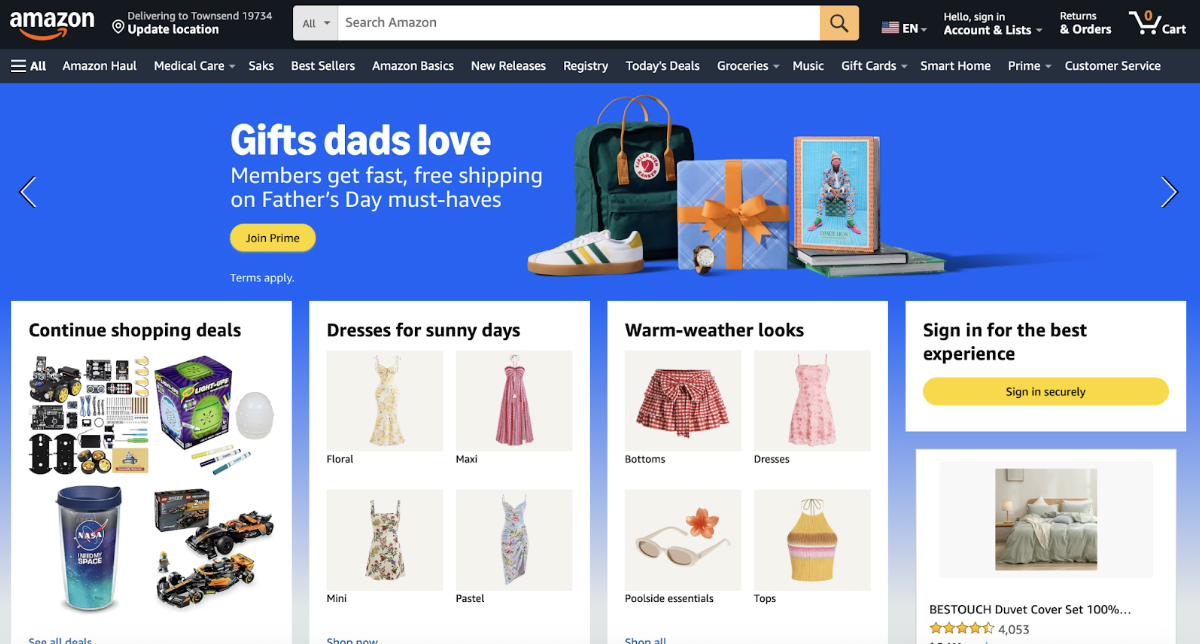
- Open the website amazon.com in your browser and log in to your account.
- Scroll down the page and select «Help».
- Go to the “Something else” section, then click “I need more help” — the “Chat with us” or “Request a phone call” button will appear.
- In the new window, after the automatic redirect, your order history will open, where you should select the order the customer is contacting Amazon support about.
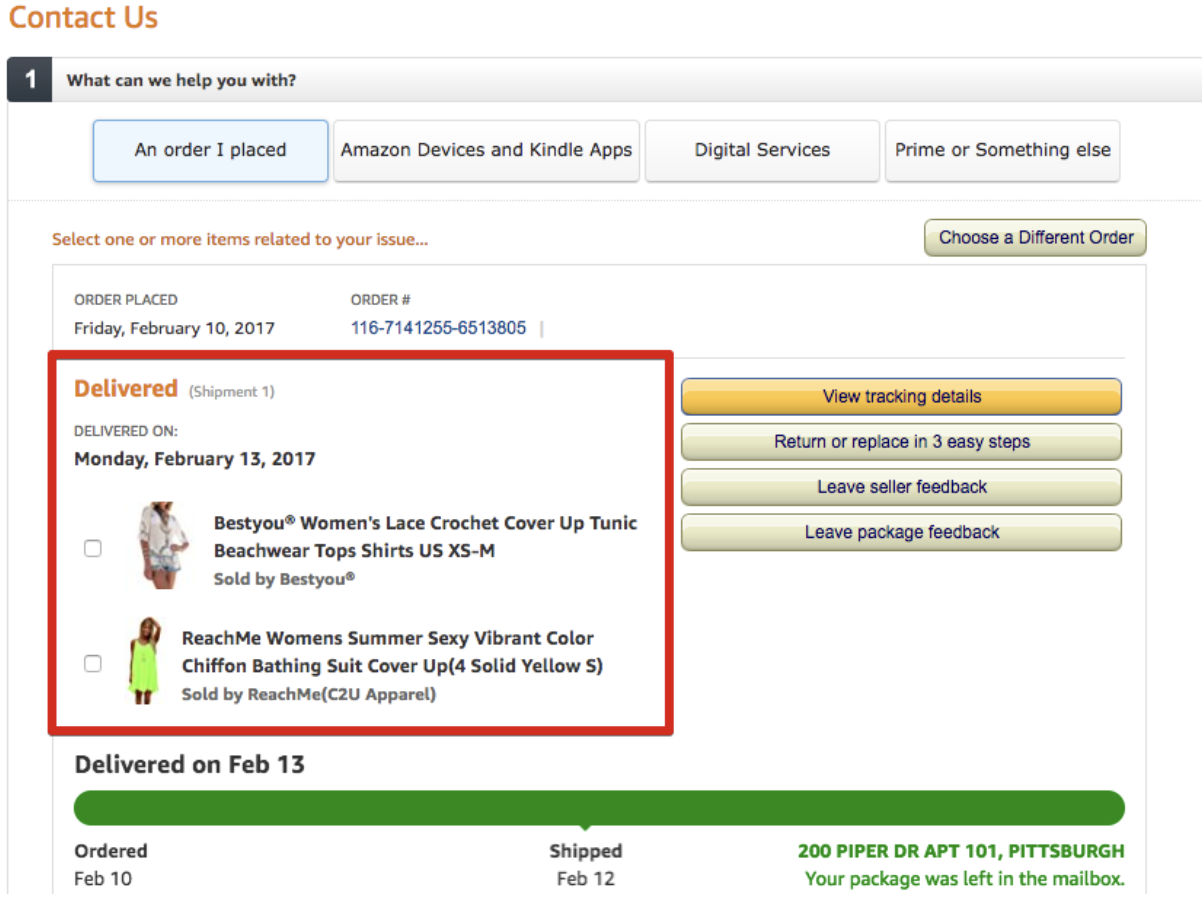
Horizontally, 4 submenu tabs are available, which let you choose the primary topic of the upcoming discussion with the operators:
An order I placed - orders that have been placed;
Amazon Devices and Kindle Apps - devices and software from Amazon (Kindle e-readers or Fire tablets);
Digital Services - questions about digital products from Amazon;
Prime or Something else - Prime account or other questions.
The most common reason for contacting Amazon support is questions about placed orders, which is why we will continue the instructions for this case:
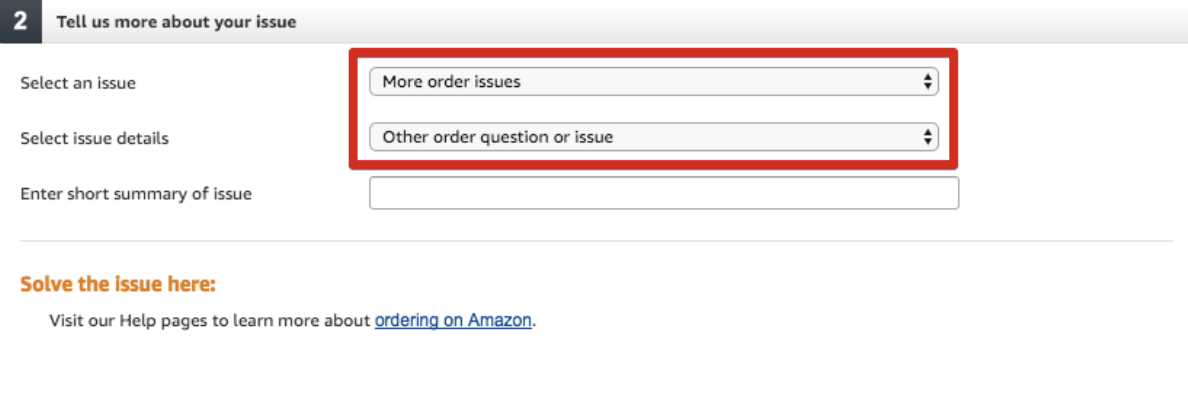
- After checking the box next to the needed item, we proceed to selecting the reason for contacting support - «Select an issue». Here you select the appropriate option, but if there is no suitable one in the list, you can choose «More order issue»
In the «Select issue details» subsection you specify clarifying information on the topic of your request; if there is no suitable option, choose «Other orders question or issue», after which in the third window you need to manually enter the topic you will discuss with the operator.
- You can get in touch via:
– Online chat (available almost always);
– Requesting a callback (if available in your region);
– Email — in most cases not offered.
- After choosing how to contact Amazon support operators (using chat as an example), a form will appear in which you need to enter details about your problem or question, and only after that click «Start chat».
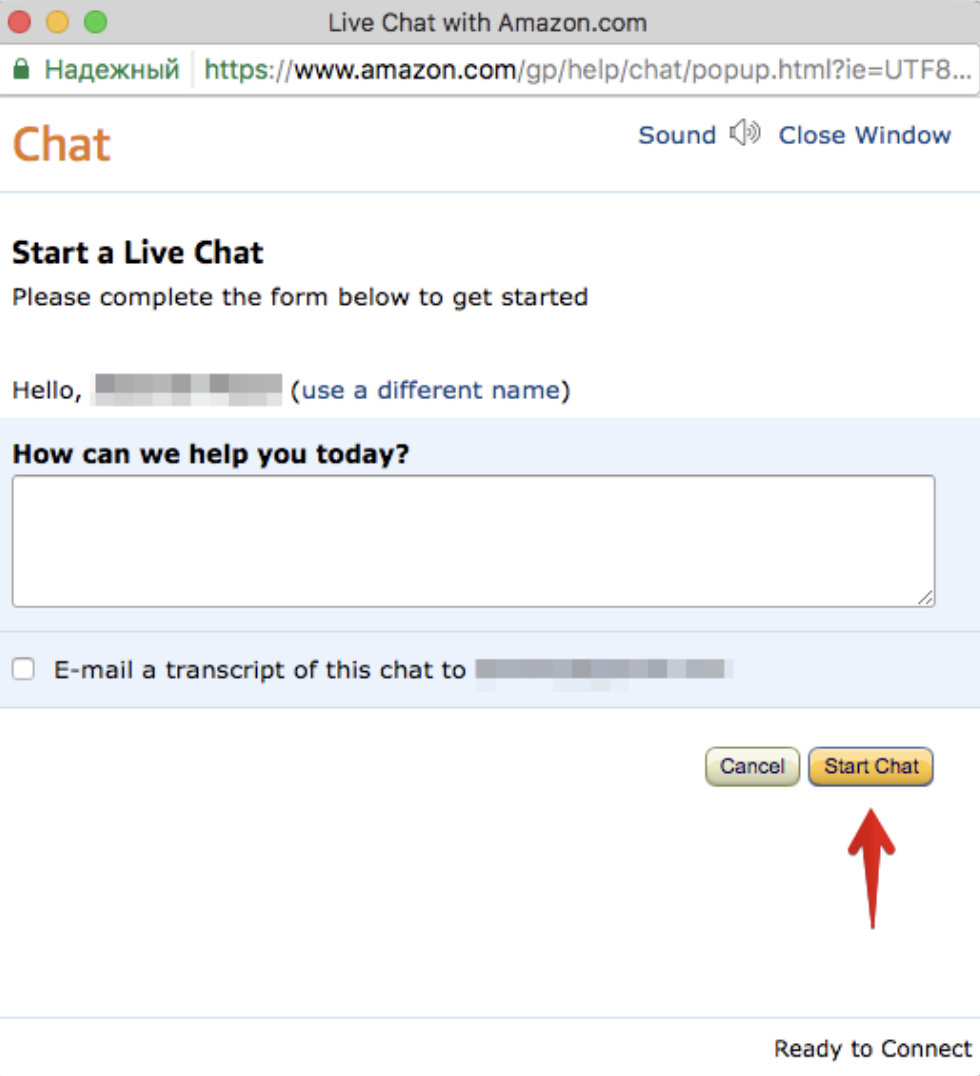
Currently a separate tab with a bot is used, and only then does the switch to an operator happen.
How to Write to a Third-Party Seller on Amazon
Given the huge number of third-party sellers on Amazon, the need to stay in touch with them still sometimes arises - either to clarify details about a product, or about order delivery times, shipping methods, etc. Let's look at an example of writing a message to one of the sellers on Amazon.
- Who exactly the seller of a particular product is, is indicated right on its description page.
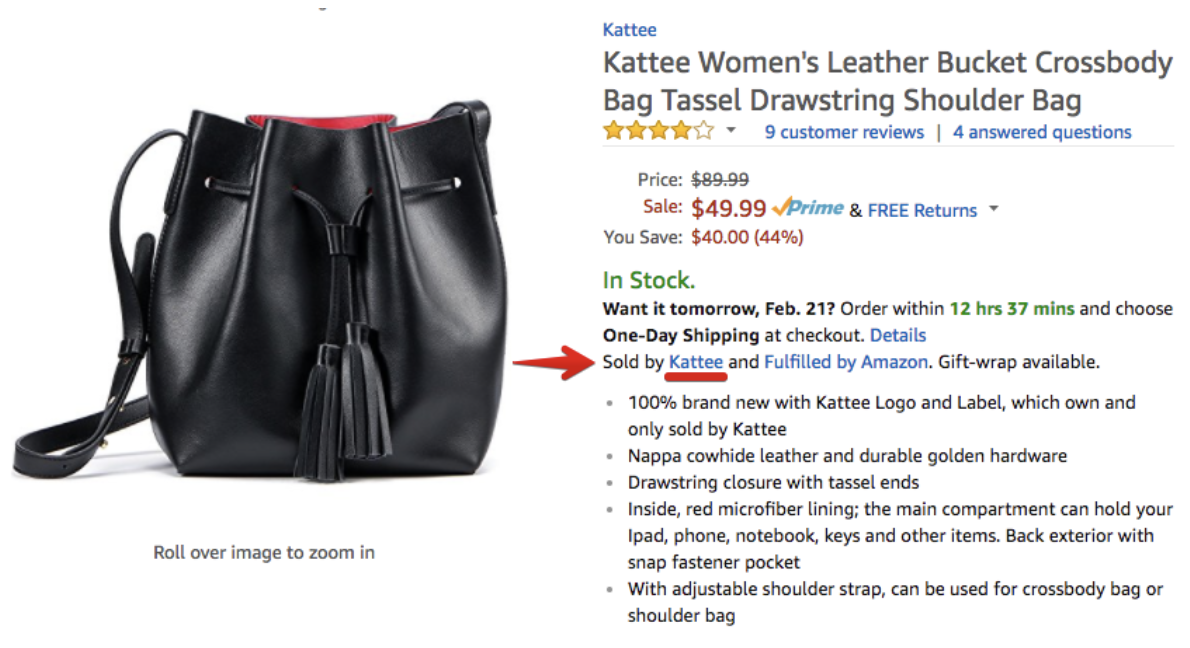
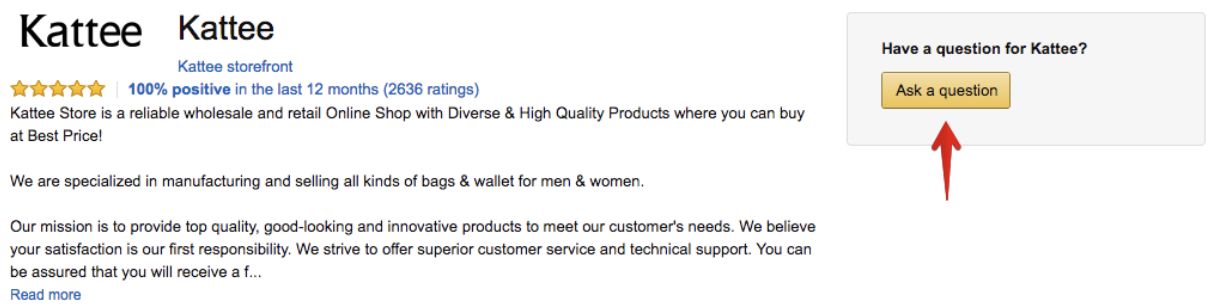
- Clicking the seller's name with the mouse cursor opens a new page leading to their personal page with details, reviews, rating and other information. On the right is the «Ask a question» or «Contact seller» button - it is used to create a message to the seller.
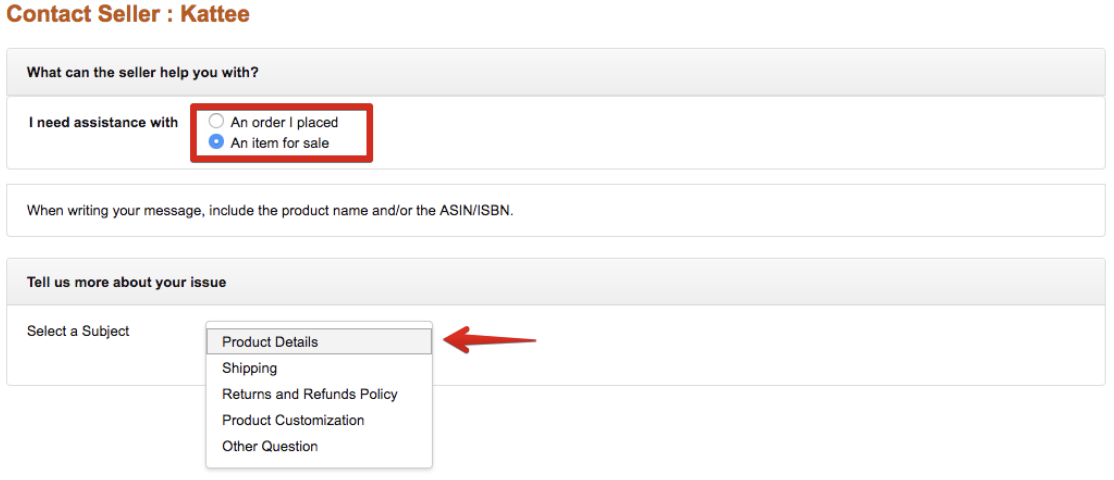
- The principle of writing a message is similar to writing to Amazon support - you need to select the subject of the question (an item already purchased, or a product you are planning to buy), and in the second step specify the topic of your request - if no suitable section is offered, choose the last option - «Other Question». After selecting the values, proceed to writing the message itself by clicking the «Write message» button.
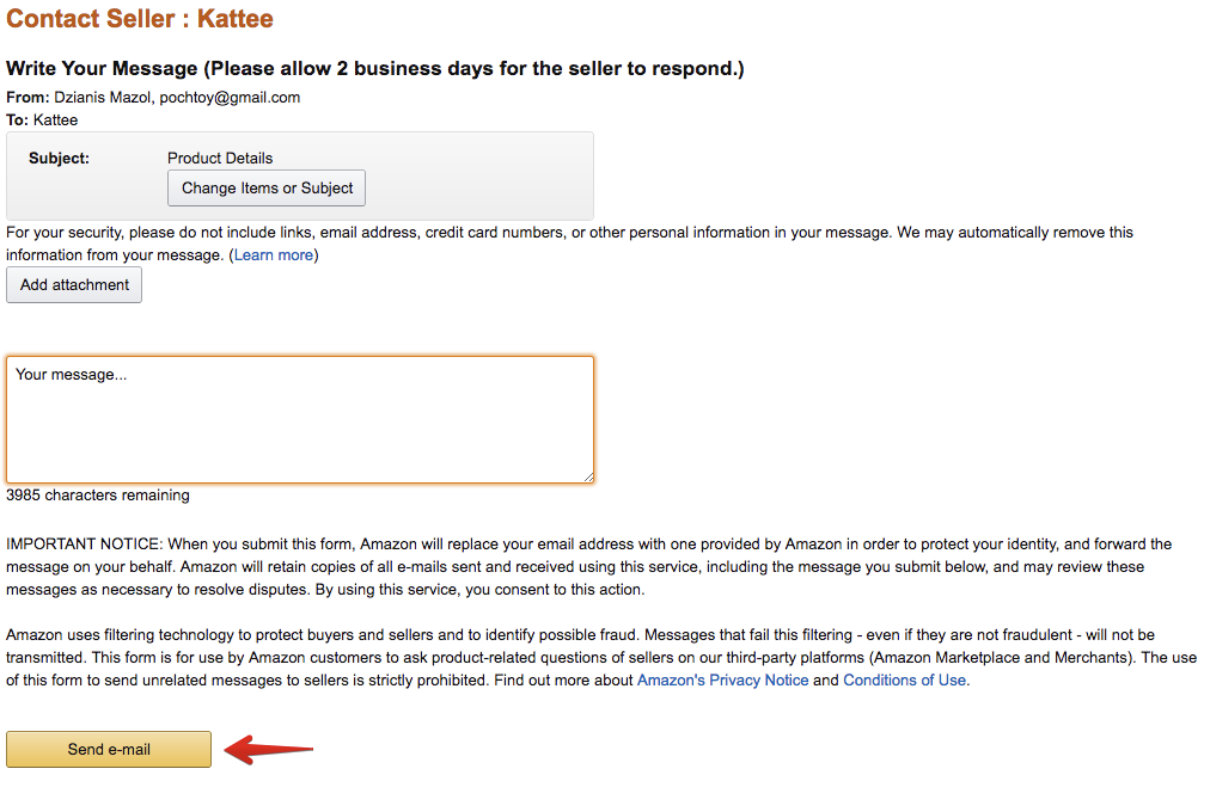
- In the window that opens, enter the question you are interested in and send the message to the seller. Expect their reply by email; you can then continue the correspondence with the seller from your personal mailbox. There are no clear time frames for receiving a reply, so in some cases you should be patient.
As a useful bookmark, we recommend adding to your favorites a small collection of the English phrases most often used when communicating with sellers - Writing letters to American online stores.


